Workflow shell for Codex CLI
HaloCreek
Stay in control while coding with AI: launch tasks faster, follow cleaner agent conversations, review changes, and commit without scattering the workflow across terminals and tools.
irm https://xianyu603.github.io/HaloCreek/install.ps1 | iexWhy it exists
A focused desktop loop for human-in-the-loop coding.
HaloCreek keeps the useful parts of agent work visible and reachable: your prompt, the workspace, Codex sessions, history, Git changes, review context, and follow-up messages. Codex CLI still does the execution; HaloCreek reduces the mechanical switching around it.
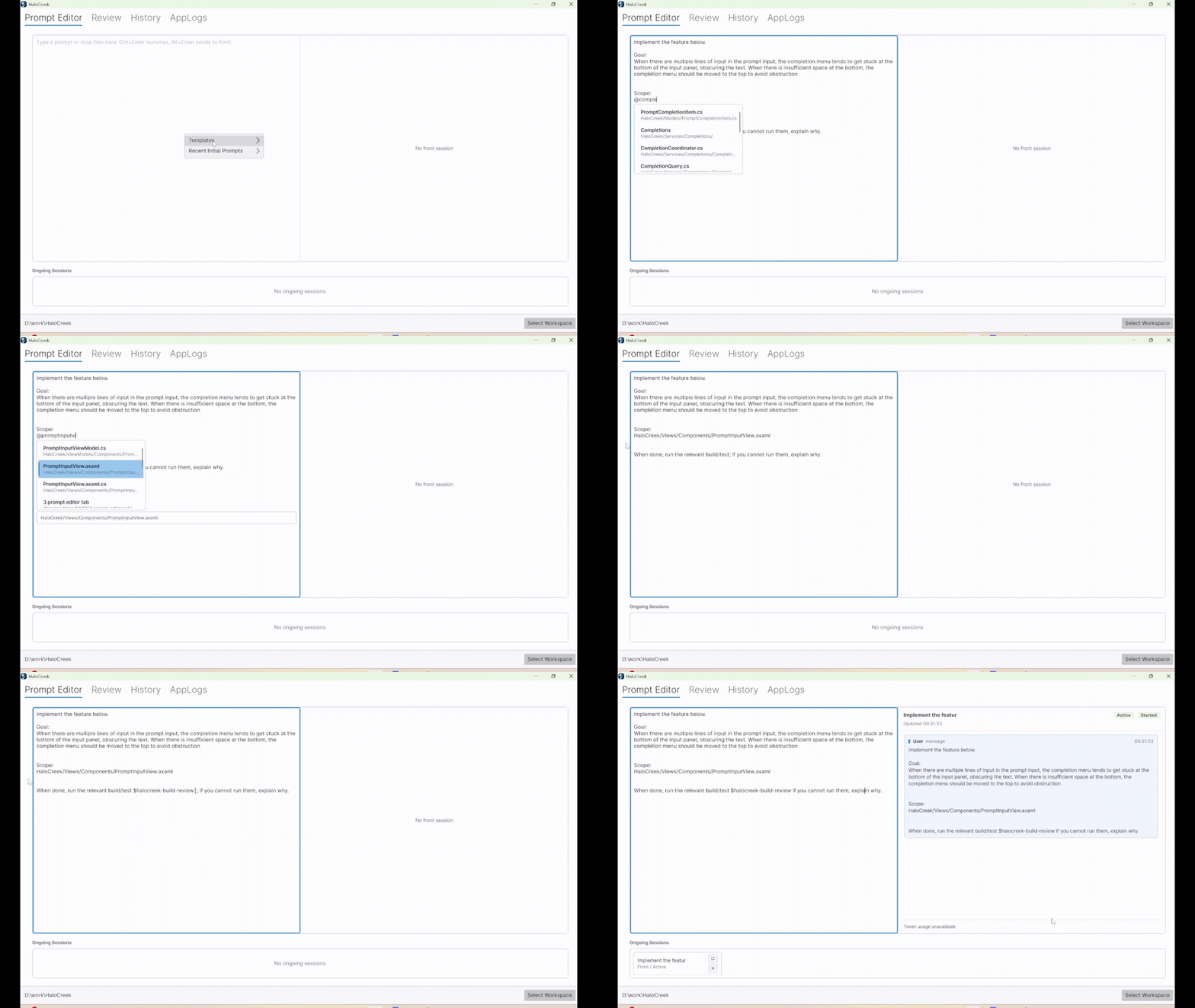
Launch an agent task in seconds.
Write a prompt, pick the workspace, and send it to Codex CLI from one focused entry point. No terminal setup dance. No path copying. Just describe the task and start.
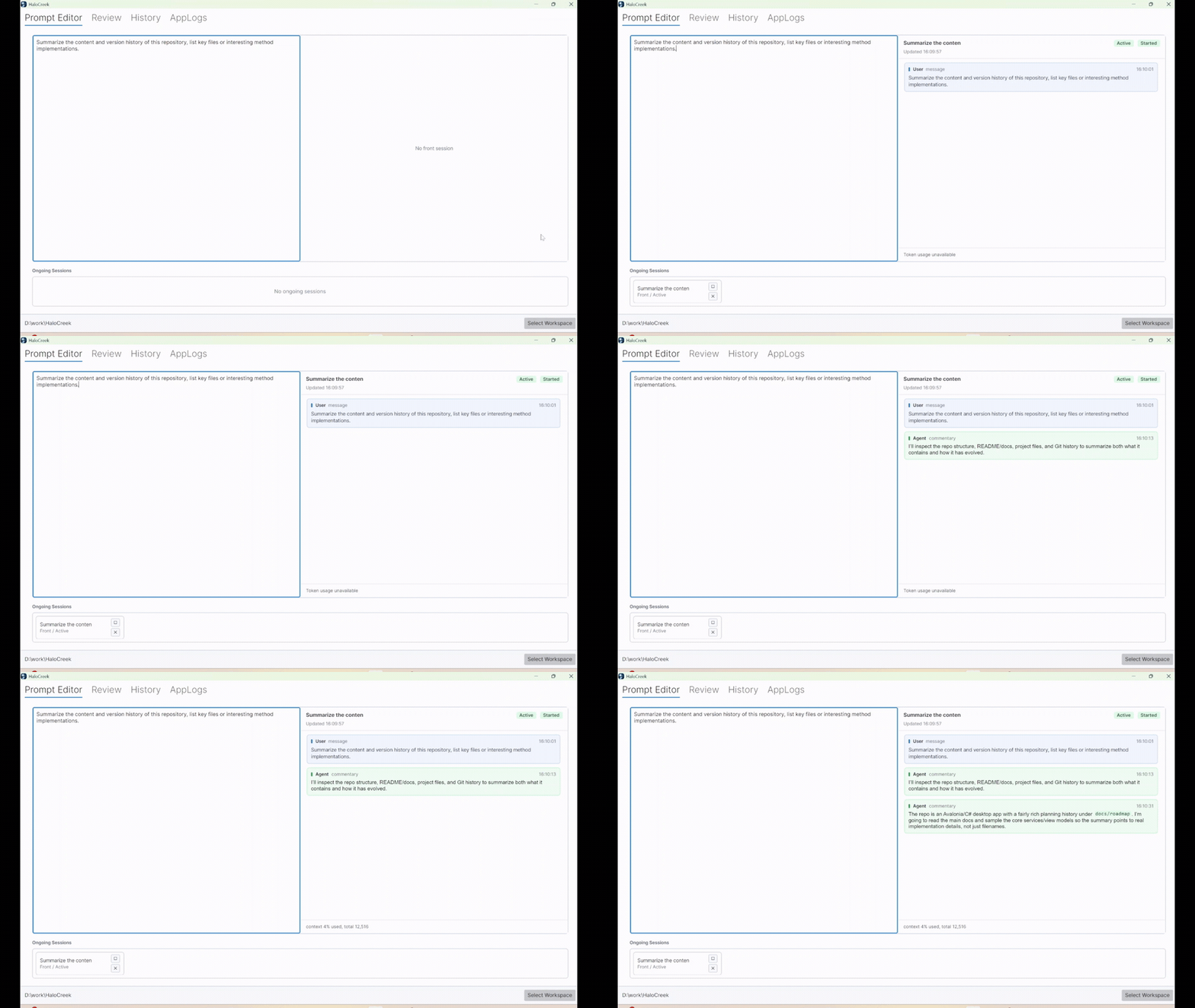
Read a quieter agent conversation.
Follow long coding sessions in a cleaner conversation view built around the useful parts: prompts, assistant responses, code blocks, links, task state, and recent context.
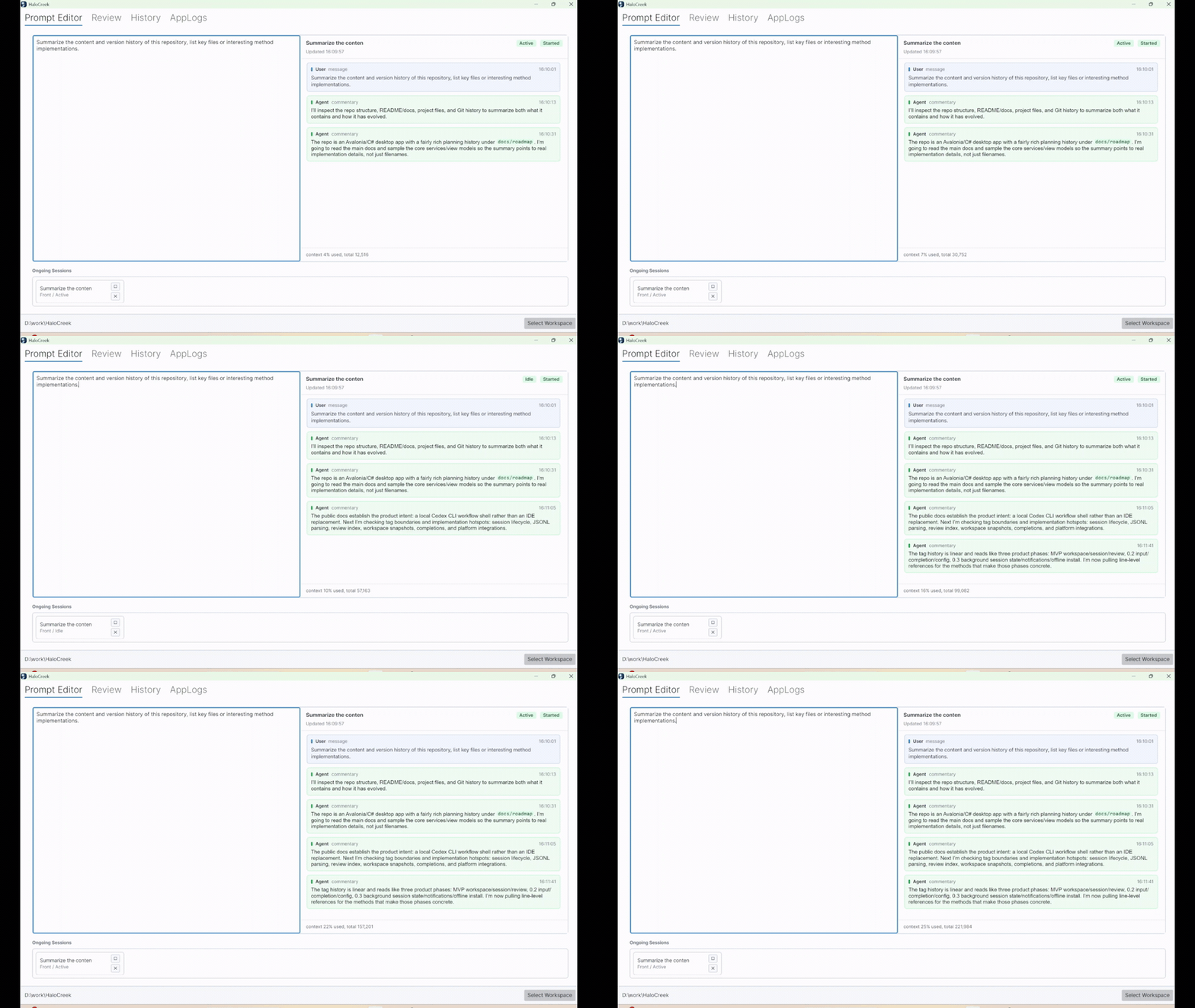
Reach your agent from anywhere.
When a piece of code needs follow-up, keep the context close. Jump from an agent message to the related file, inspect it in your editor, then ask a follow-up without rebuilding the prompt from scratch.
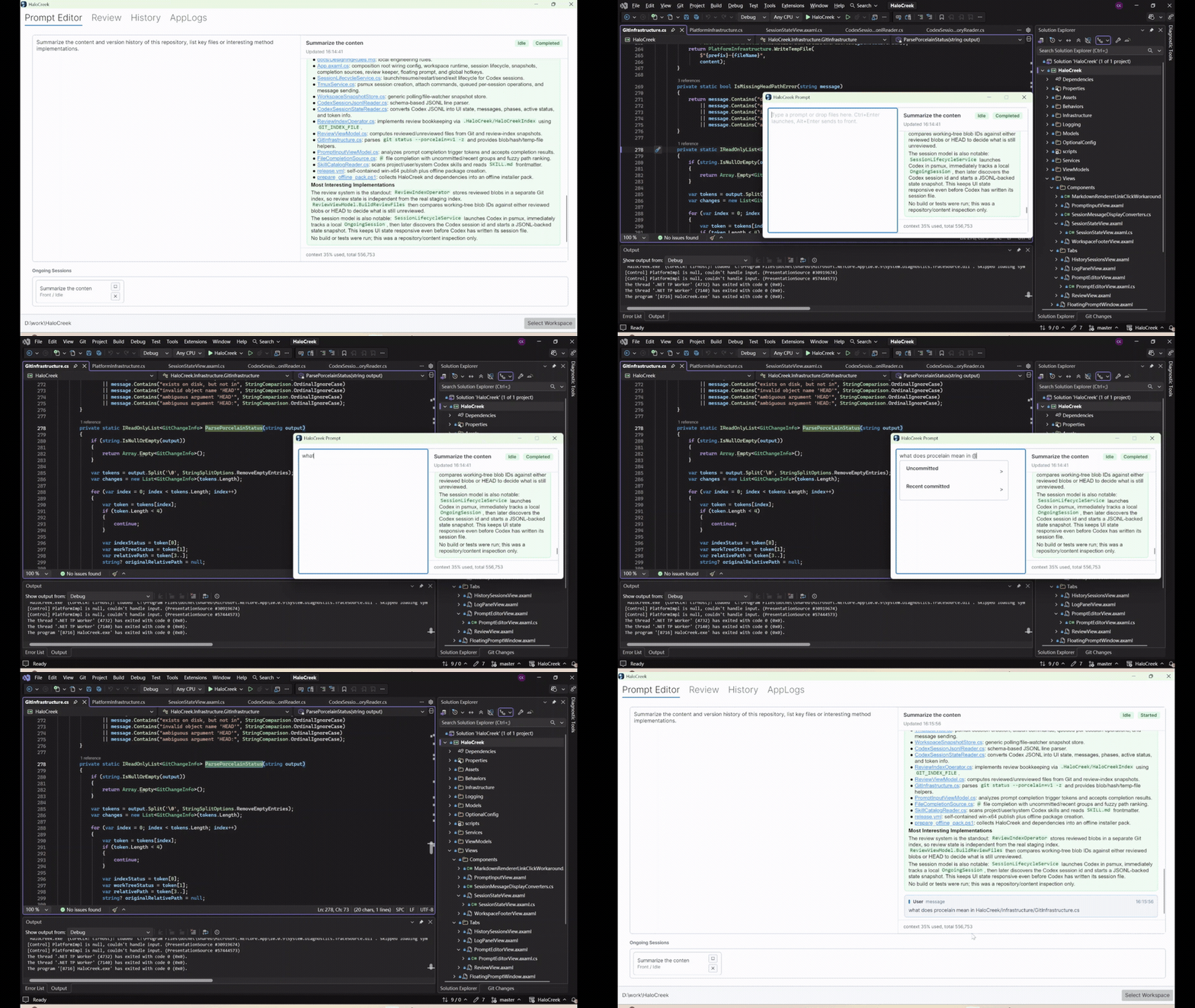
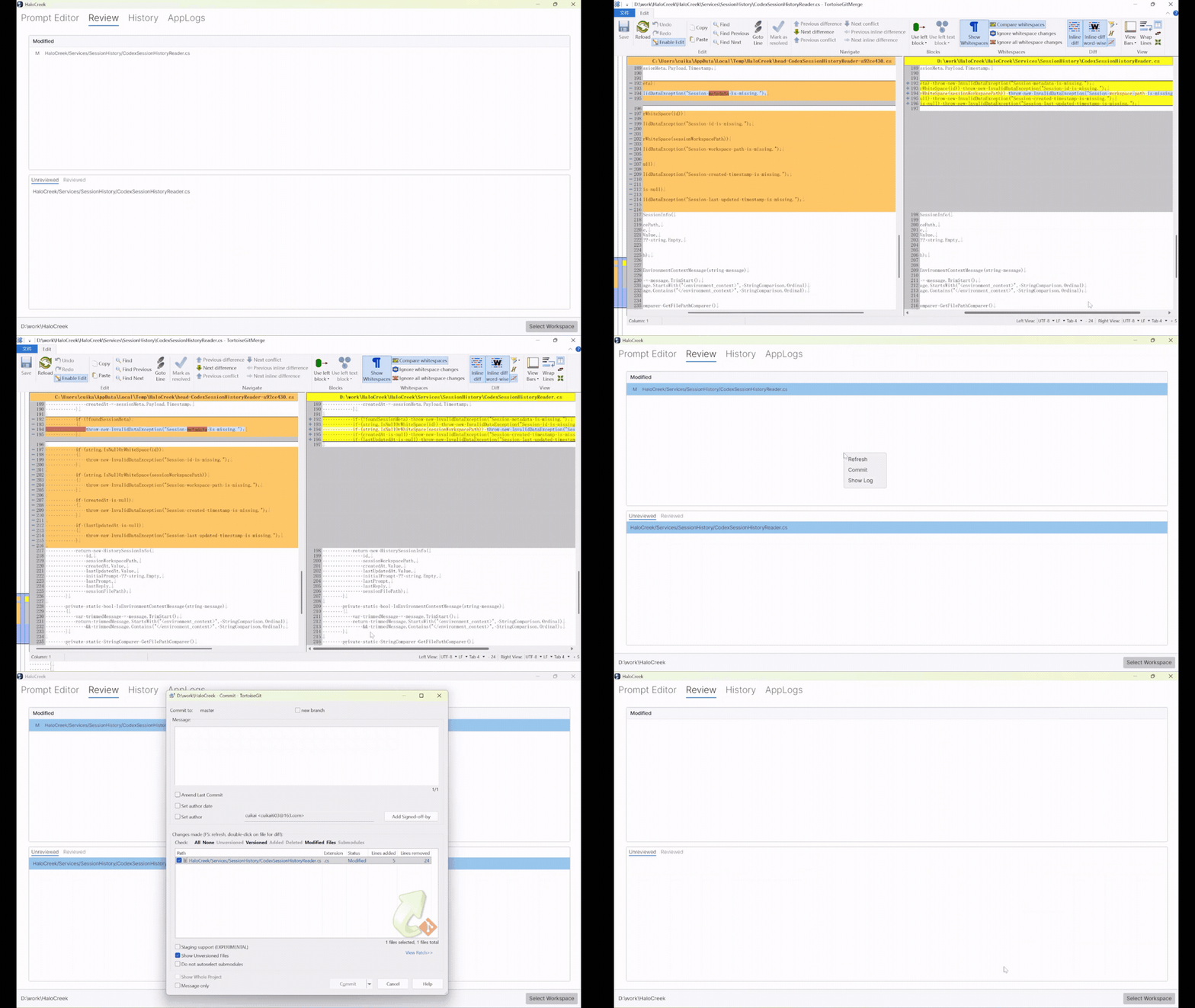
Review, follow up, and commit in one workflow.
Agent coding still needs human judgment. Track modified files, separate reviewed work from fresh changes, send review feedback back to the active session, and move toward commit with less window switching.
Build better prompts, faster.
Prompting is part of the workflow, not a throwaway text box. Reuse earlier prompts, shape structured instructions, and send clearer tasks to the agent with less repetitive typing.